



Spinania Casino Mobile Application
With the Spinania app, you can get the full casino gaming experience on your phone with fast performance and instant access. Players can play their favorite online slots games anywhere and have the same level of security and variety of games as they do on the desktop platform. The mobile application has easy-to-use controls and navigation that are made just for smartphone and tablet users.


Download the Spinania App for iPhone or iPad
Spinania is available to iOS users through a progressive web app that works like a native app but doesn’t need to be installed from the App Store.
- Visit the Spinania website in Safari.
- Tap the square with an upward-pointing arrow near the bottom of your screen to share.
- Browse menu options and select Add to Home Screen.
- Tap Add in the upper right corner to change the app name before installing.
- The Spinania icon will appear on your home screen with other apps.
- Touch the icon to launch the app and log in.
The iOS version works on all iPhone models that run iOS 12 or later, and it also works well on iPads. In full-screen mode, the browser controls are gone, making for a more immersive gaming.
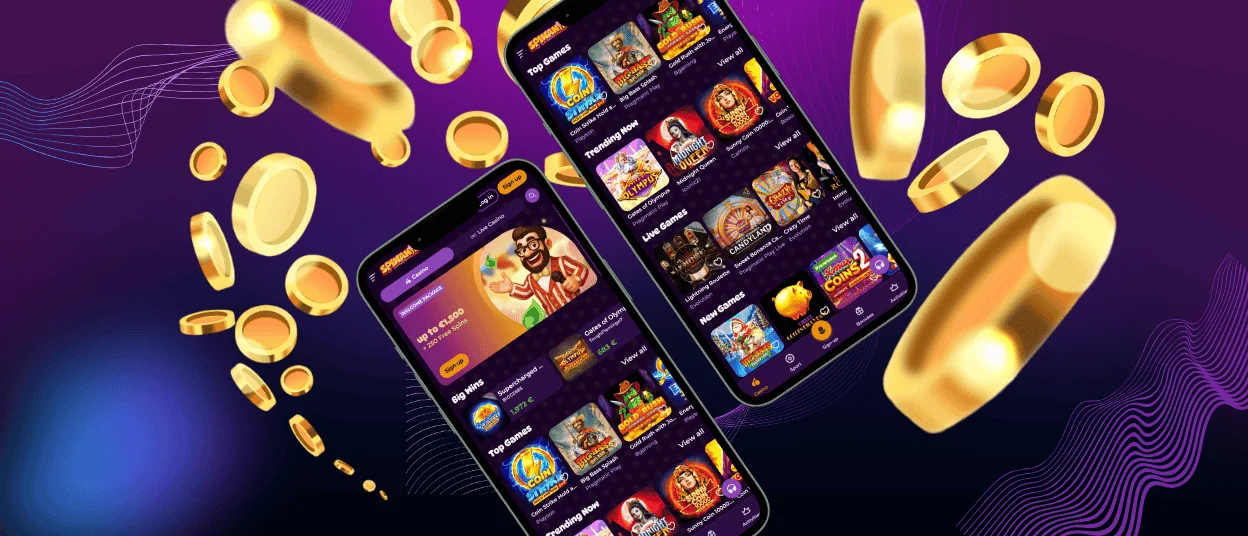
Spin Ania Android App Installation
Android players can install apps in a variety of ways that work with all major device models. Performance stays the same no matter what the device specs are.
Set Up Spinania for Android
- Open Chrome on Android and visit Spinania.
- Press the three-dot menu icon in the top right of your browser.
- Tap Add when prompted after selecting Add to Home Screen from the dropdown.
- Installation takes seconds and creates a home screen Spinania casino app icon.
When asked, first-time users should allow notifications so they can get updates about new games and bonuses. The app only asks for a few permissions and works within the same security framework as the main website. Updates happen automatically in the background, so you don’t have to download them yourself.
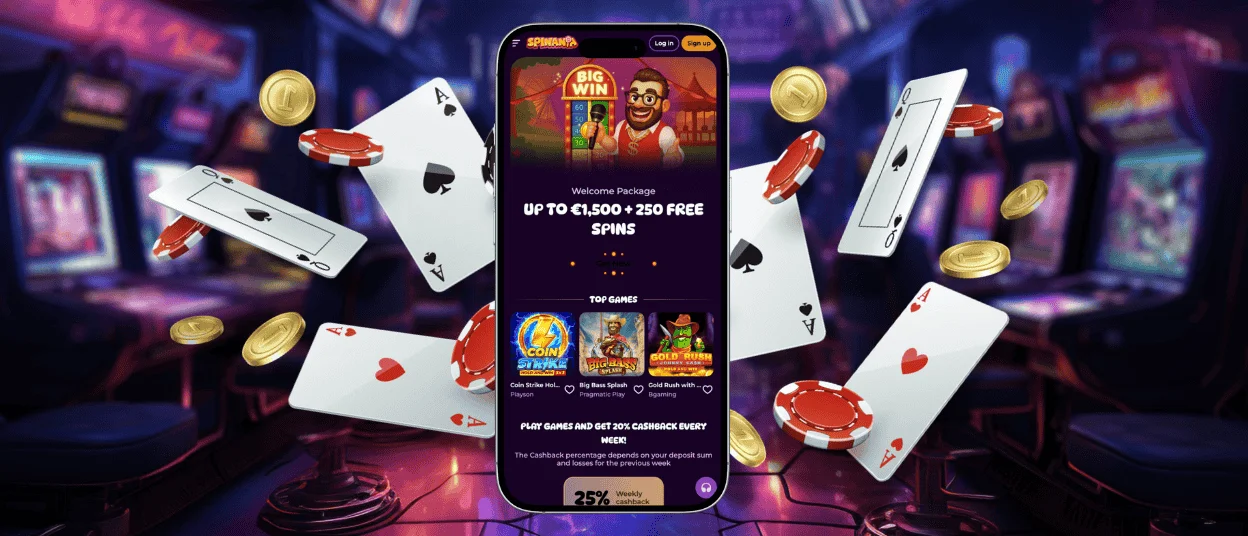
The Best Things About Using the Spinania App on Your Phone
Playing games on your phone with Spinania has many benefits that make the whole experience better. The app loads faster than the browser-based versions and uses less data while you play. Push notifications let you know about new bonuses and promotions without you having to go to the website.
The touch interface makes it easy to control both slot games and table games. The app also works perfectly with mobile payment options like direct carrier billing and digital wallets.
Battery optimization lets you play games for longer without using up too much of your device’s battery. The mobile casino keeps track of your game and verification process progress between sessions, so you can pause and pick up where you left off.
How to Use a Web App on Your PC
People who play on their desktops can have similar quick access on their computers without having to download extra software.
- Use Chrome or Edge to visit Spinania.
- Select “Install” from the browser menu or address bar icon.
The web app installs as a separate program that opens in its own window without any toolbars. This method uses fewer system resources than keeping several browser tabs open. The desktop web app automatically syncs your gaming history and preferences with the mobile version.
Windows users can pin the app to their taskbar so they can get to it with one click. After installing the web app, Mac users will find it in their Applications folder.
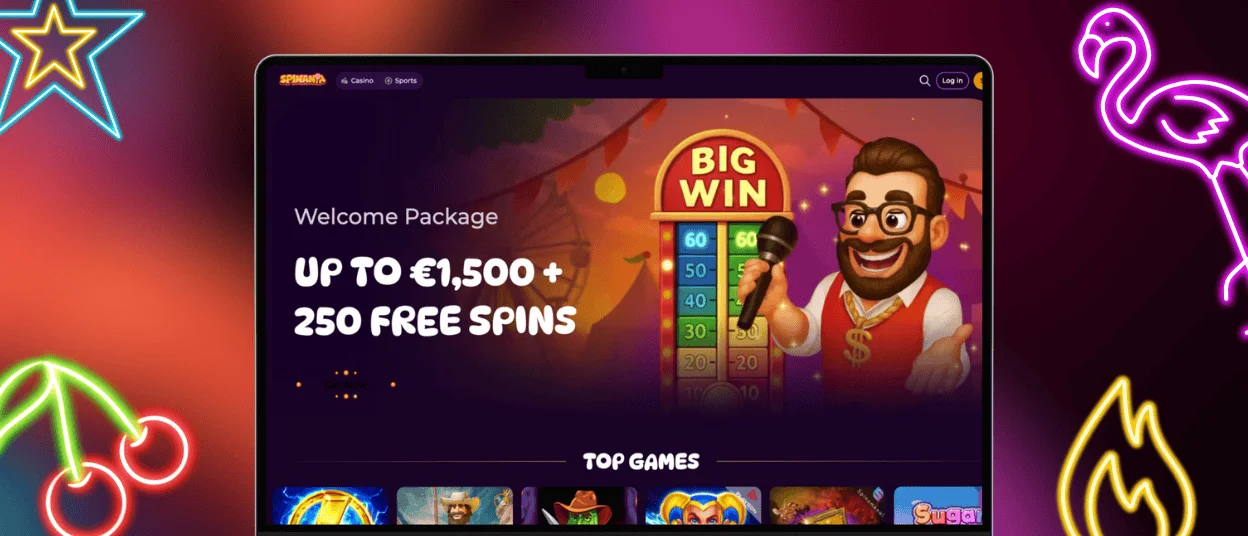
Comparing the Casino on PC and Mobile
Both platforms let you play all of the games in their library and have the same payout rates and bonus structures. The main differences are in how the interface is designed and how input is handled, not in the features that are available. Desktop screens can show more information at once, while mobile versions focus on the most important controls.
| Aspect | PC Version | Mobile Version |
| Screen Real Estate | Multiple game categories visible | Focused single-game view |
| Multitabling | Easy to play several games | Limited by screen size |
| Payment Methods | All options available | All options available |
| Game Graphics | Higher resolution available | Optimized for smaller screens |
| Session Length | Ideal for extended play | Perfect for quick sessions |
On desktop monitors, large jackpot displays and game stats stand out more. Mobile versions put this information into expandable menus to make the most of the gameplay area. Live dealer games work just as well on both platforms, and you can change the video quality settings.
The mobile experience is best when you can’t use a desktop, like on the way to work or on vacation. Desktop gaming is better for people who like bigger screens and real keyboards for chatting. Most players use both versions, depending on where they are and how much time they have.
Frequently Asked Questions
Can I use the same account on both mobile and desktop versions?
Yes, your Spinania account works perfectly on all devices. You can log in on any device with the same information, and your balance, game progress, and bonus status will stay the same. You can switch between devices while you’re playing games without them stopping.
Does the mobile app require constant internet connectivity?
To get fair results and updates in real time, you need a stable internet connection when you play. You can still see your account history, read the rules of the game, and check the terms of a promotion even when you’re not connected to the internet. When the internet service comes back on, the app will automatically reconnect. If the problem with the connection persists, please contact our support team through live chat or email.
Are mobile bonuses different from desktop promotions?
To make sure everyone gets a fair deal, Spinania keeps the same bonus offers on all platforms. Mobile users can get the same welcome packages, reload bonuses, and free spin deals as desktop users. No matter which platform you choose, the terms and conditions for betting stay the same.


